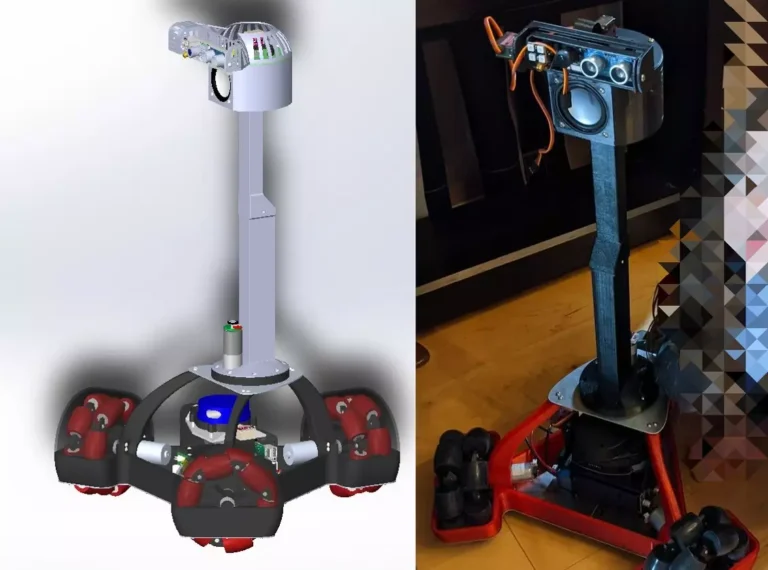
Meet Snoopy the pet robot!

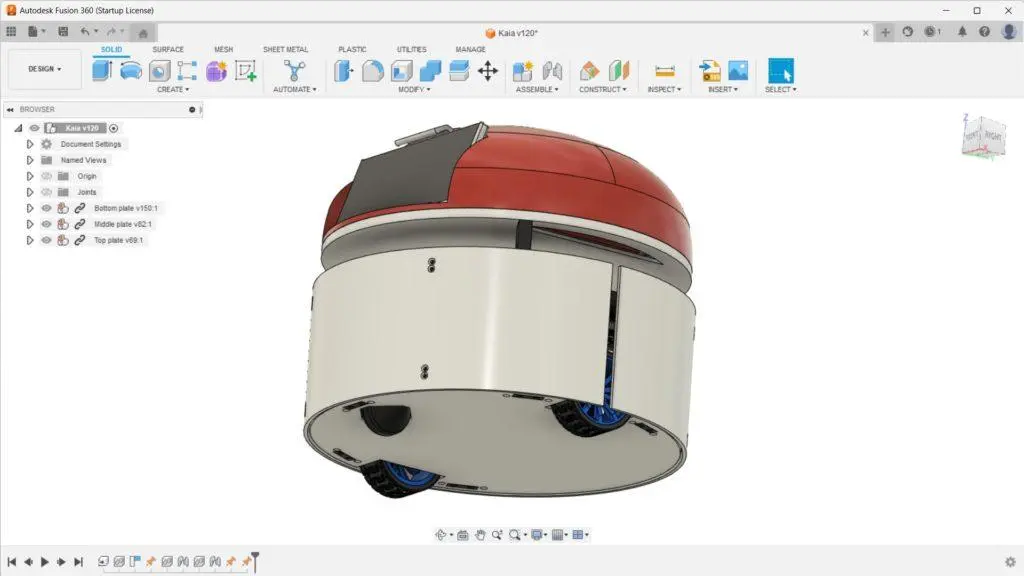
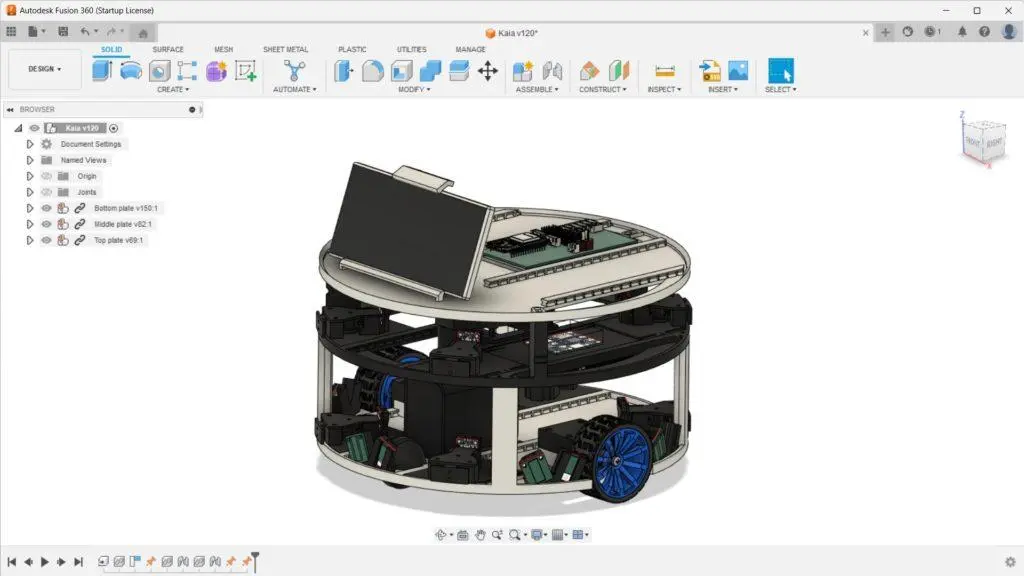
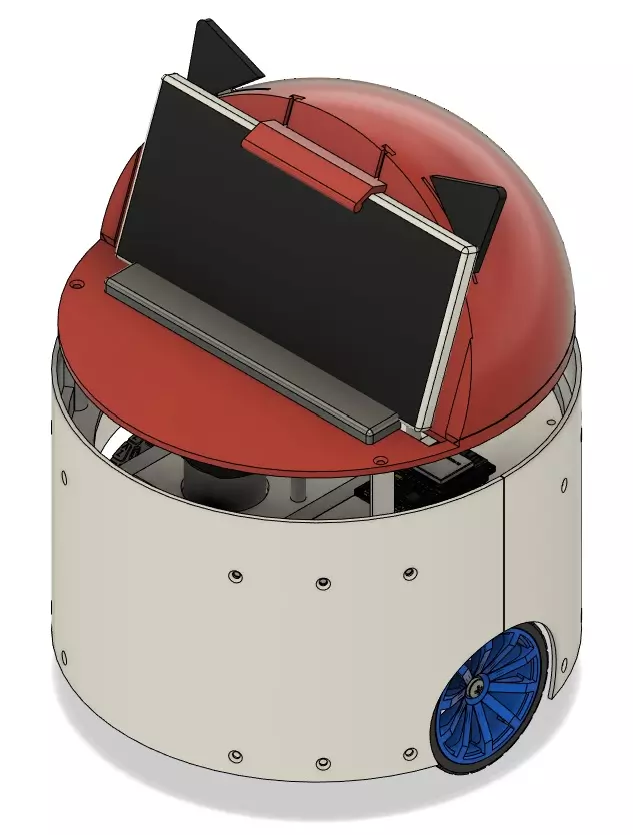
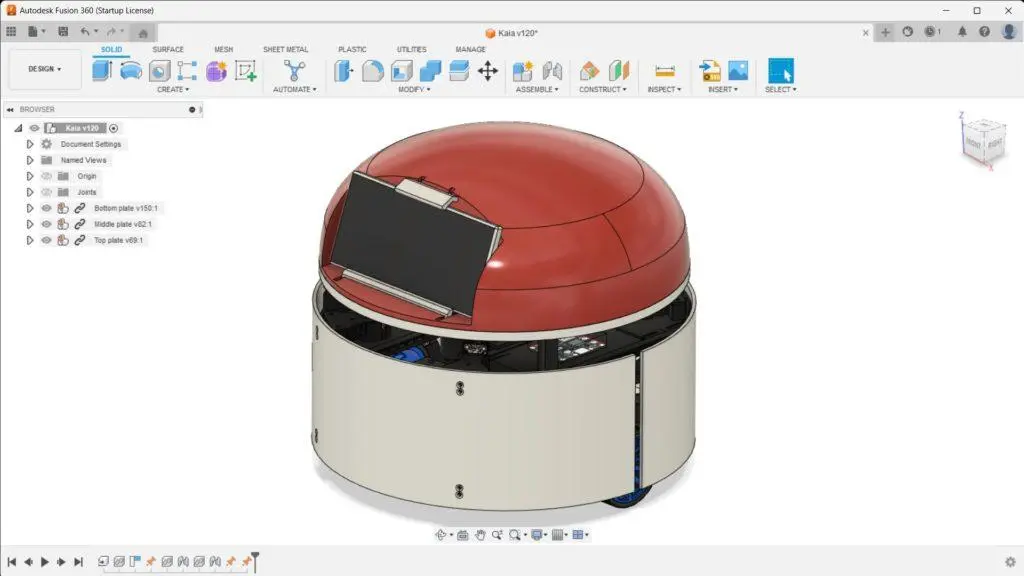
Meet Snoopy, an open-source pet robot! Snoopy is a 300mm, round-base, mid-size DIY 3D-printable indoor pet robot compatible with Kaia.ai software platform.
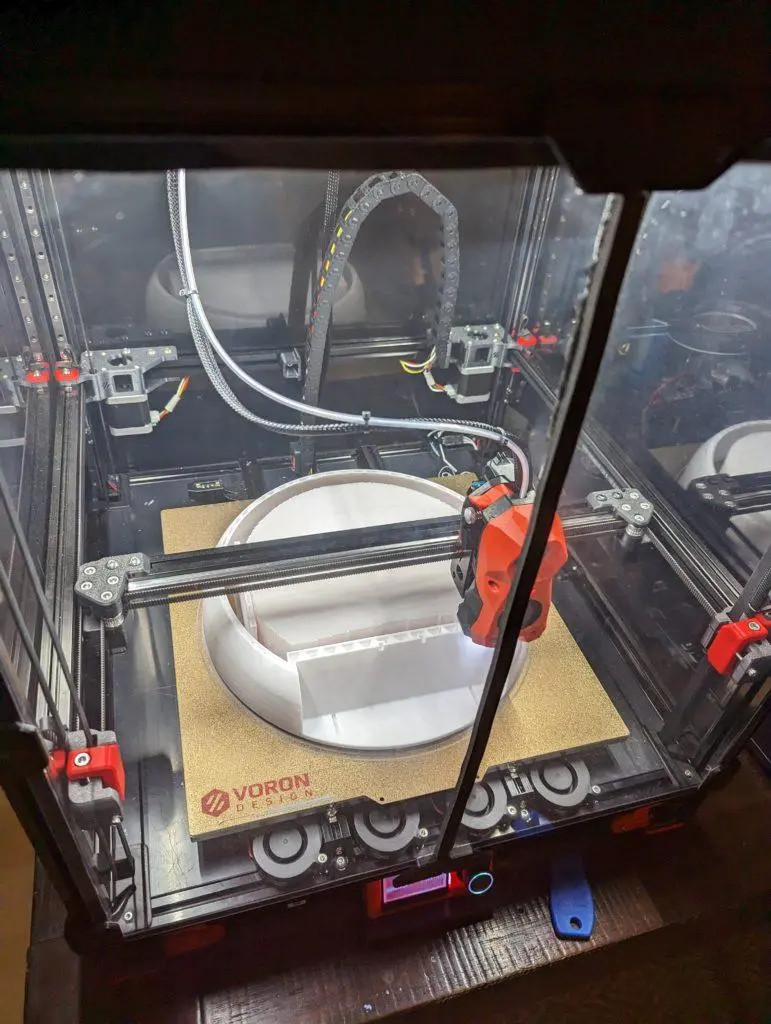
Snoopy was designed in Fusion 360 in 05/2023 and printed using a Voron 2.4r2 350mm.
Once finished, Snoopy will act as a pet – look cute, play ball, hide-and-seek and chase,
demand its owners’ attention and greet its owners happily at the door.
To get a feel of what Maker’s Pet robots will do, watch Snoopy (in a simulation)
- play ball and hide under a table
- self-drive, map and navigate a living room, all automatically.
Utility functions will include patrolling the house.
Please keep in mind that we are still in product development phase – please sign up for the mailing list below to be notified about product launch. You are also welcome to join our Facebook group and Reddit.
Features
- A 300mm round base.
- 3D-printable and moddable:
- Requires a 300x300mm or larger build volume.
- 2 bumpers, 4 bumper sensors, 5 cliff sensors.
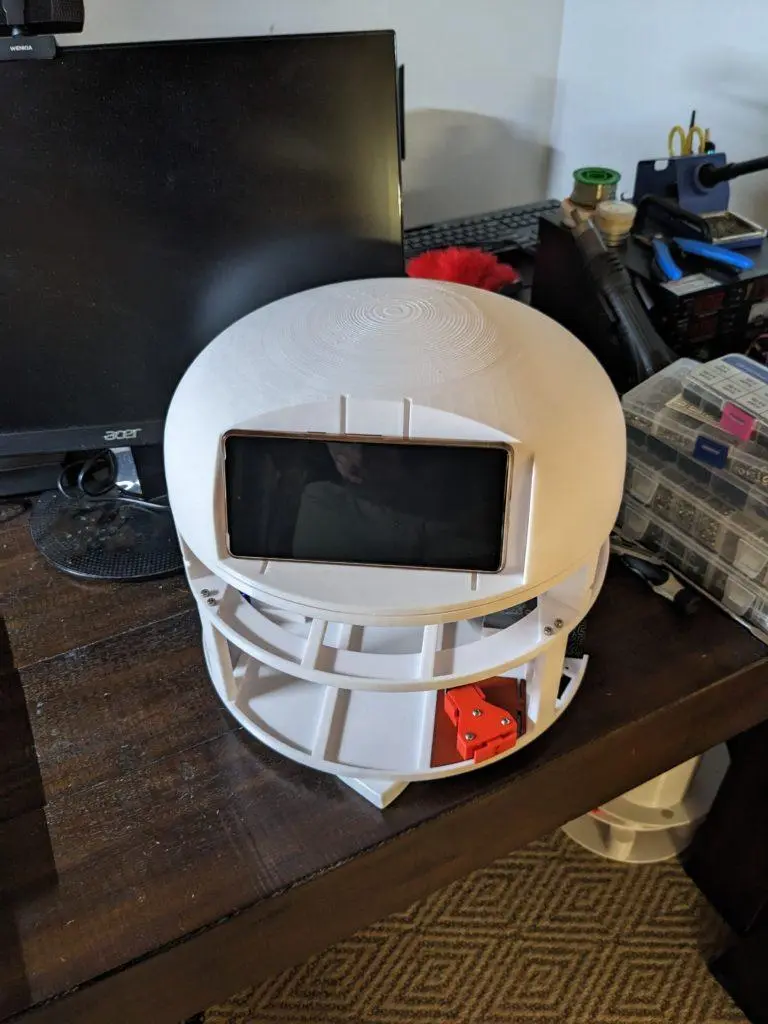
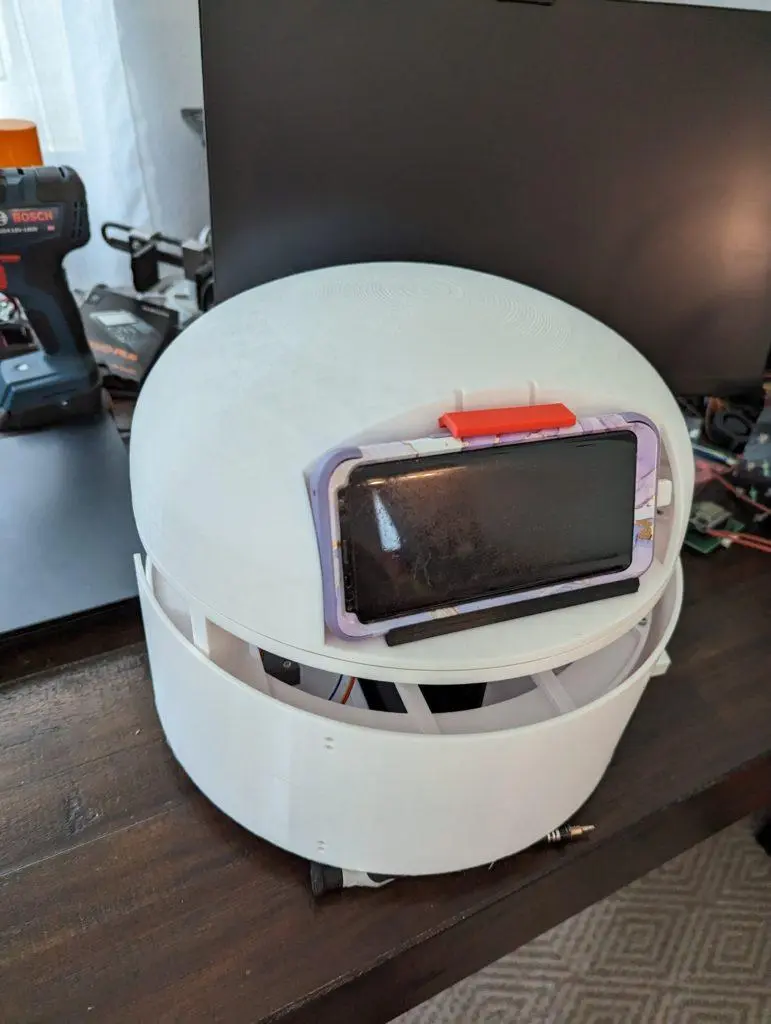
- A smartphone or a 7″ tablet acts as as a head display.
- ESP32 micro-controller.
- Arduino firmware
- Room mapping using a 360-degree laser distance sensor (ROS2-based).
- Fully autonomous indoor navigation (ROS2-based).
- Kaia.ai software platform compatible:
- Off-the-shelf character and skills (work-in-progress)
- Design-and-code a custom character (work-in-progress)
- Design-and-code custom skills (work-in-progress)
Get new tutorials by email
DIY Hardware Build
All CAD and 3D printing files are here including STL, 3MF and Fusion 360.
DIY Electronics
I designed an ESP32 board similar to this one, but for brushless (and more powerful) motors. I plan to make it available in the online store.
Software Setup
The setup and configuration instructions are similar to those for brushed motors here and here.
How LiDARs are used in self-driving robots?
Build a real LiDAR self-driving Arduino/ROS2 robot using our kit - with complete step-by-step instructions. No robotics experience necessary.
See the full robot kit →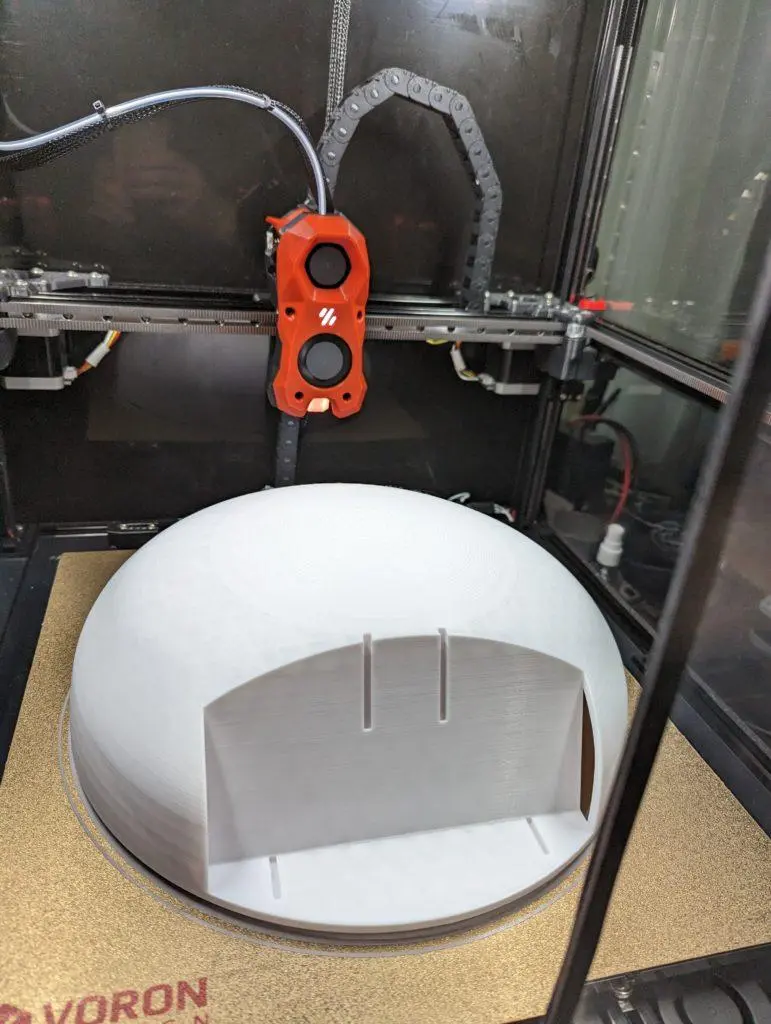
Develop and Mod
- PC setup for developers
- ROS2 robot description package